Presentation Options
Compare Stash Pay presentation options for iOS and Android and choose the right integration mode for your game or app.
iOS presentation options
In-app dialog
Use the Stash SDK dialog when you need tighter in-app UX and direct success/failure callbacks to your app or game.
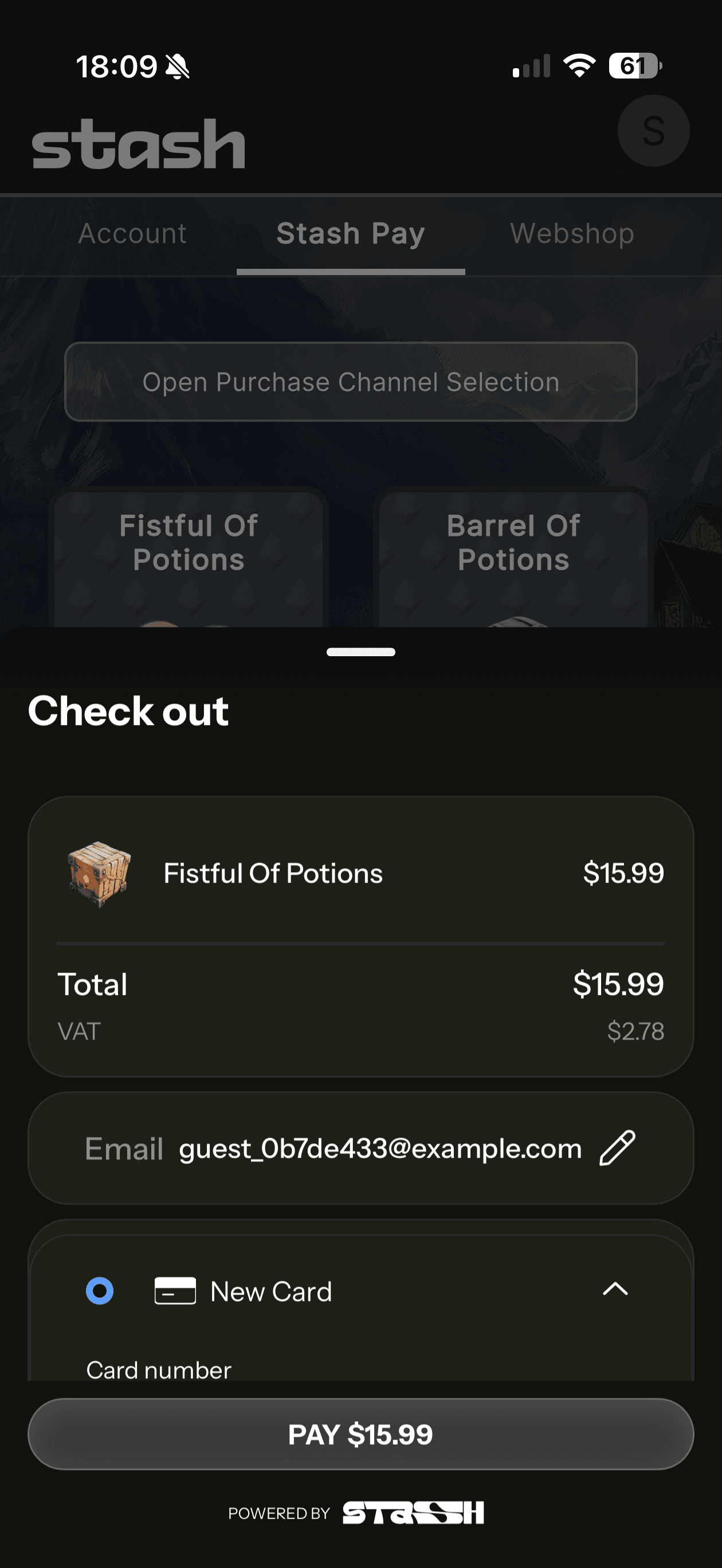
Safari View Controller
Use this when you want a browser-based checkout that still feels in-app. Users do not have to switch between app and the browser and the checkout still happens in the context of your game or application. User returns back in the game using deeplinks.
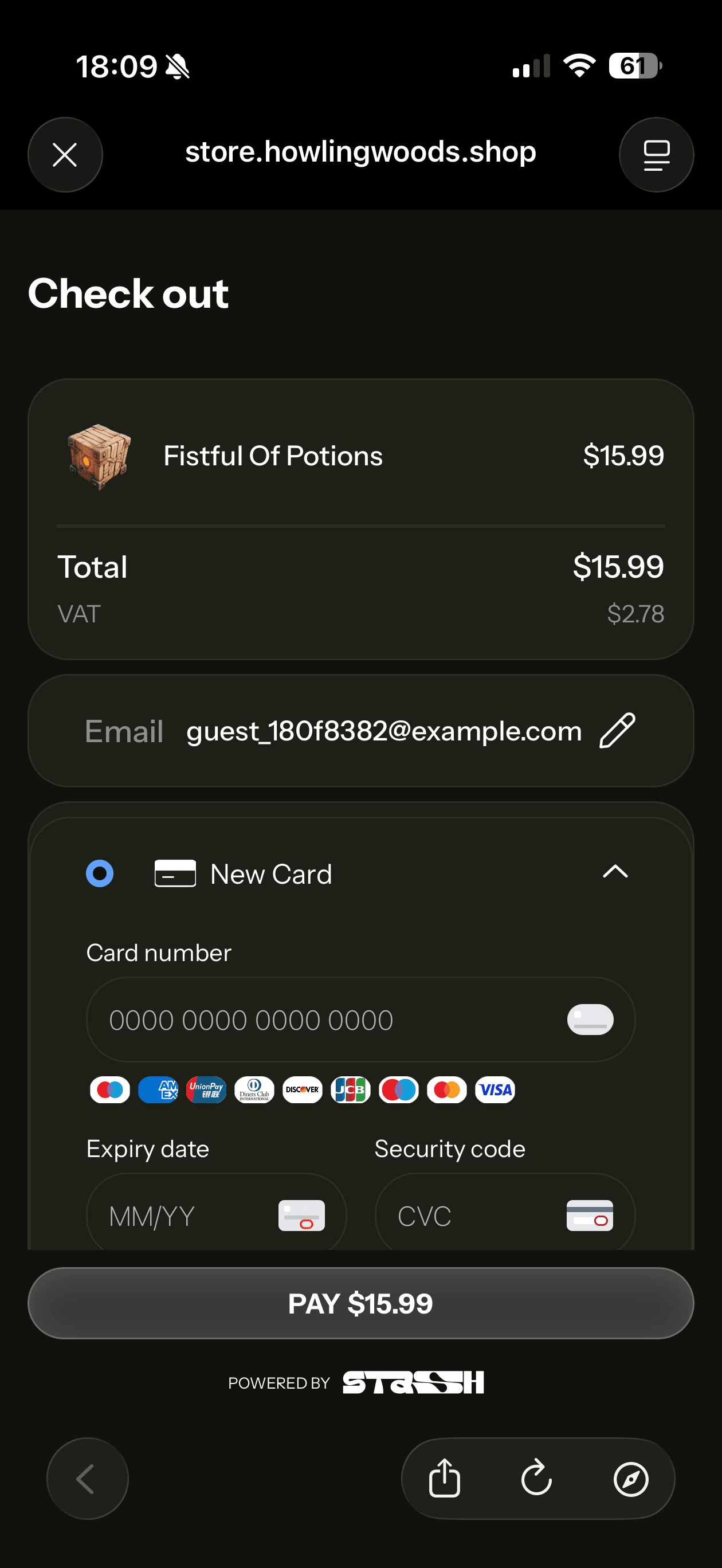
External system browser
Use this for the simplest linkout flow. Users leave the app for checkout inside the system browser and return via deeplink.
Android presentation options
In-app dialog
Use the Stash SDK dialog when you need tighter in-app UX and direct success/failure callbacks to your app or game.
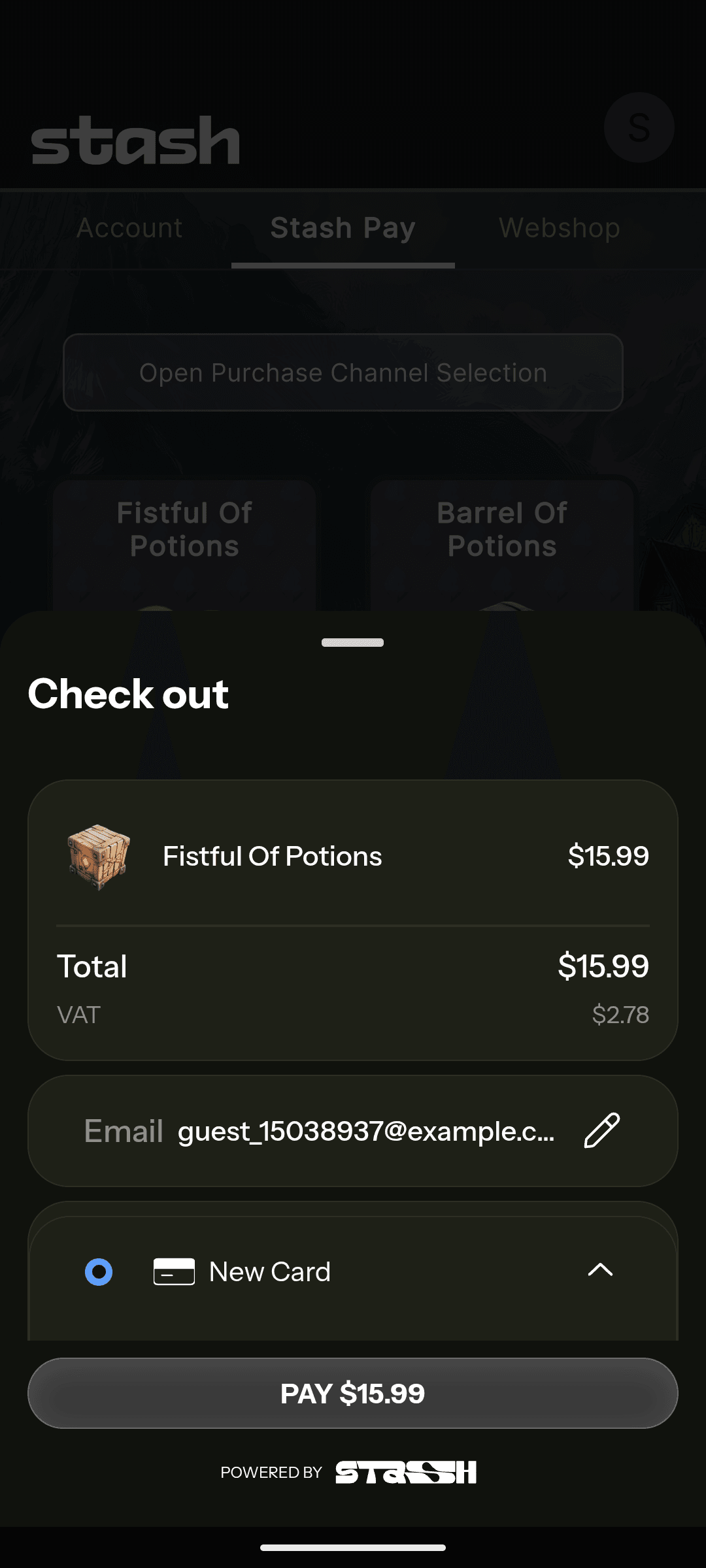
Chrome Custom Tabs (CCT)
Use this when you want a browser-based checkout that still feels in-app. Users do not have to switch between app and the browser and the checkout still happens in the context of your game or application. User returns back in the game using deeplinks.
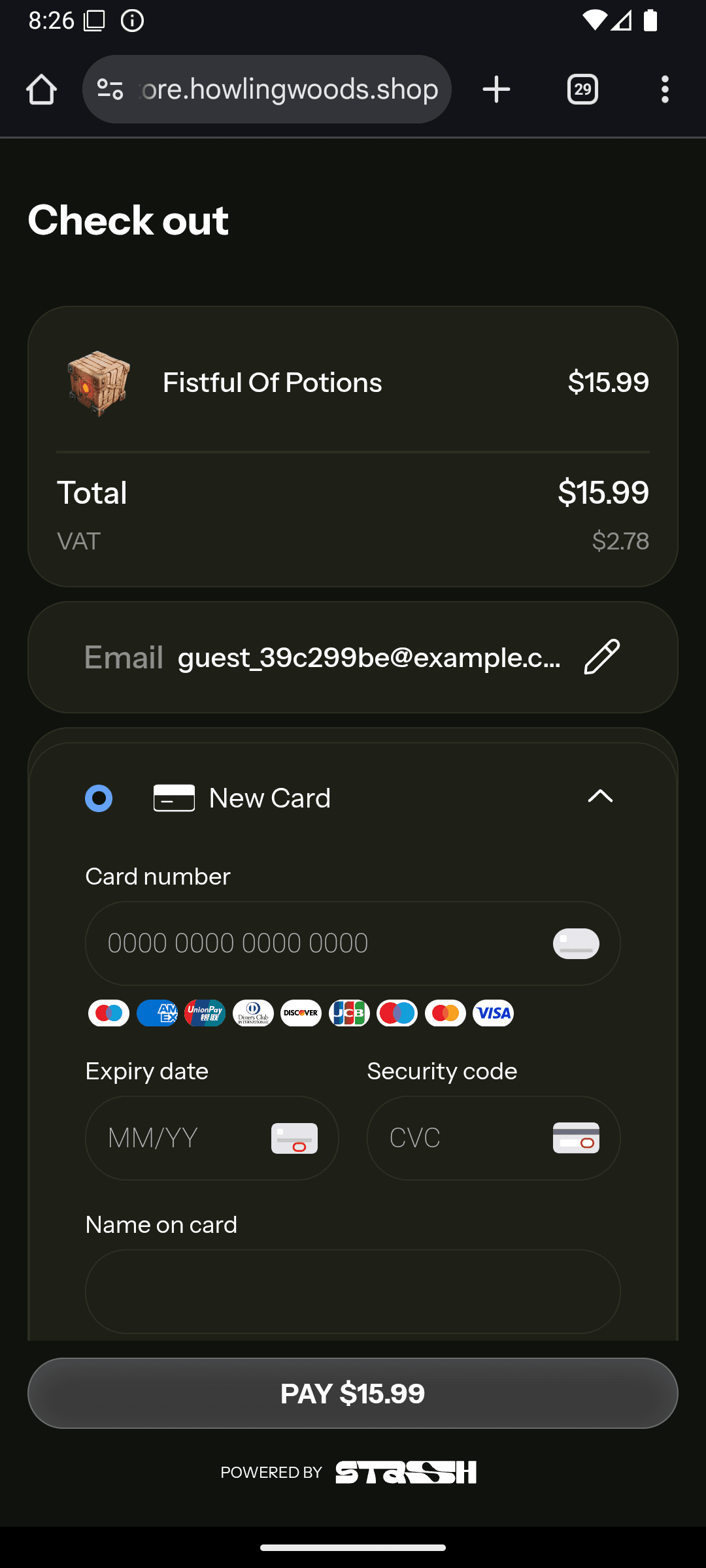
External system browser
Use this for the simplest linkout flow. Users leave the app for checkout and return via deeplink.
Return to your game
In the browser presentation modes (Safari View Controller, Chrome Custom Tabs, external system browser), the checkout result page offers a button that opens your app through a deep link. Set your app's URL scheme in Stash Studio under Project Settings → General → App Deeplink Protocol, without :// (for example mygame). With no scheme set, the button only tries to close the page.
Stash builds the deep link from that scheme:
| Deep link | Sent when |
|---|---|
mygame://stash-pay/success | The purchase completed |
mygame://stash-pay/failure | The purchase failed |
mygame://stash-pay/cancel | The player left checkout without paying (not every checkout layout sends it) |
Register the scheme in your app. On Android an intent filter matches on the host as well as the scheme, so register the host stash-pay, or the return link does not open your app:
<intent-filter>
    <action android:name="android.intent.action.VIEW" />
    <category android:name="android.intent.category.DEFAULT" />
    <category android:name="android.intent.category.BROWSABLE" />
    <data android:scheme="mygame" android:host="stash-pay" />
</intent-filter>
If your app already registers the same scheme for another host, keep that intent filter and add this one beside it. On iOS, registering the URL scheme is enough.
Specific Integration guides
How is this guide?
Integrating Subscriptions
Learn how to integrate Stash Subscriptions into your game. This guide covers listing plans, creating subscription checkouts, handling webhooks, and managing subscription lifecycle.
Native Apps Integration
Integrate Stash Pay in native iOS and Android apps and custom game engines using the Stash Native SDK.