iOS / Android Integration
Dialog Presentations
Browse screenshots of Stash Pay SDK dialog running on various Android & iOS devices.
Screenshots from Stash Pay SDK automated testing, showing dialog presentation on different devices, screen sizes and OS versions.
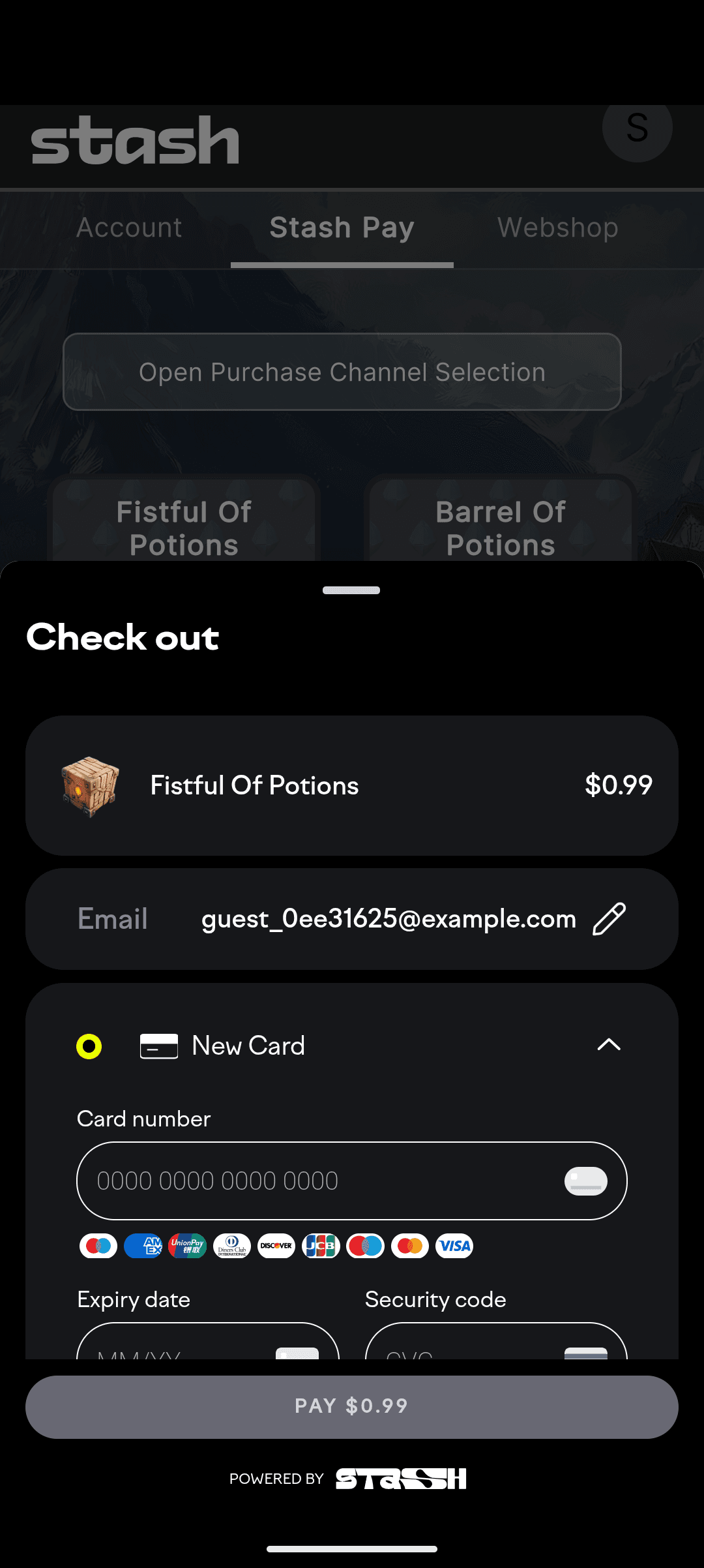
Pixel 10 Pro XL
Android 16.0
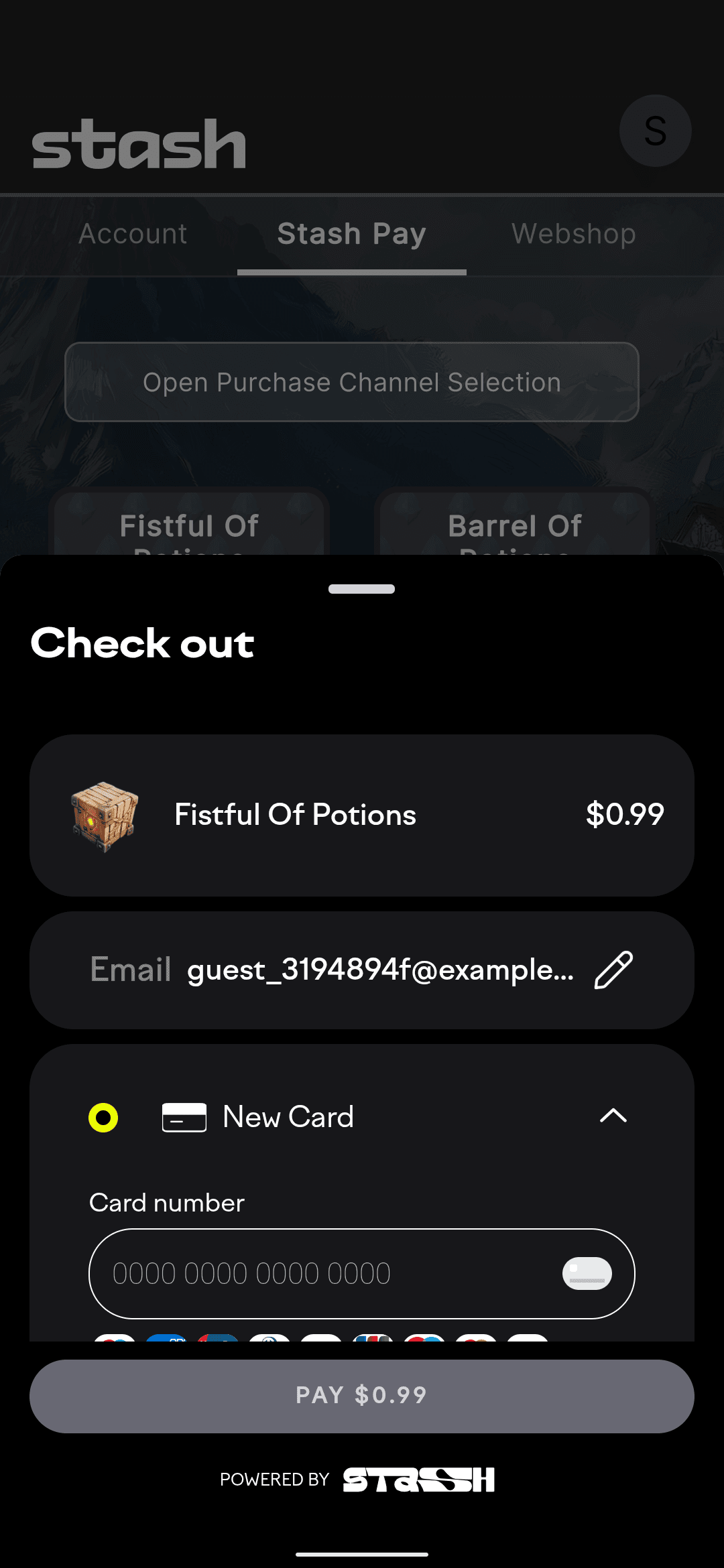
Pixel 5
Android 11.0
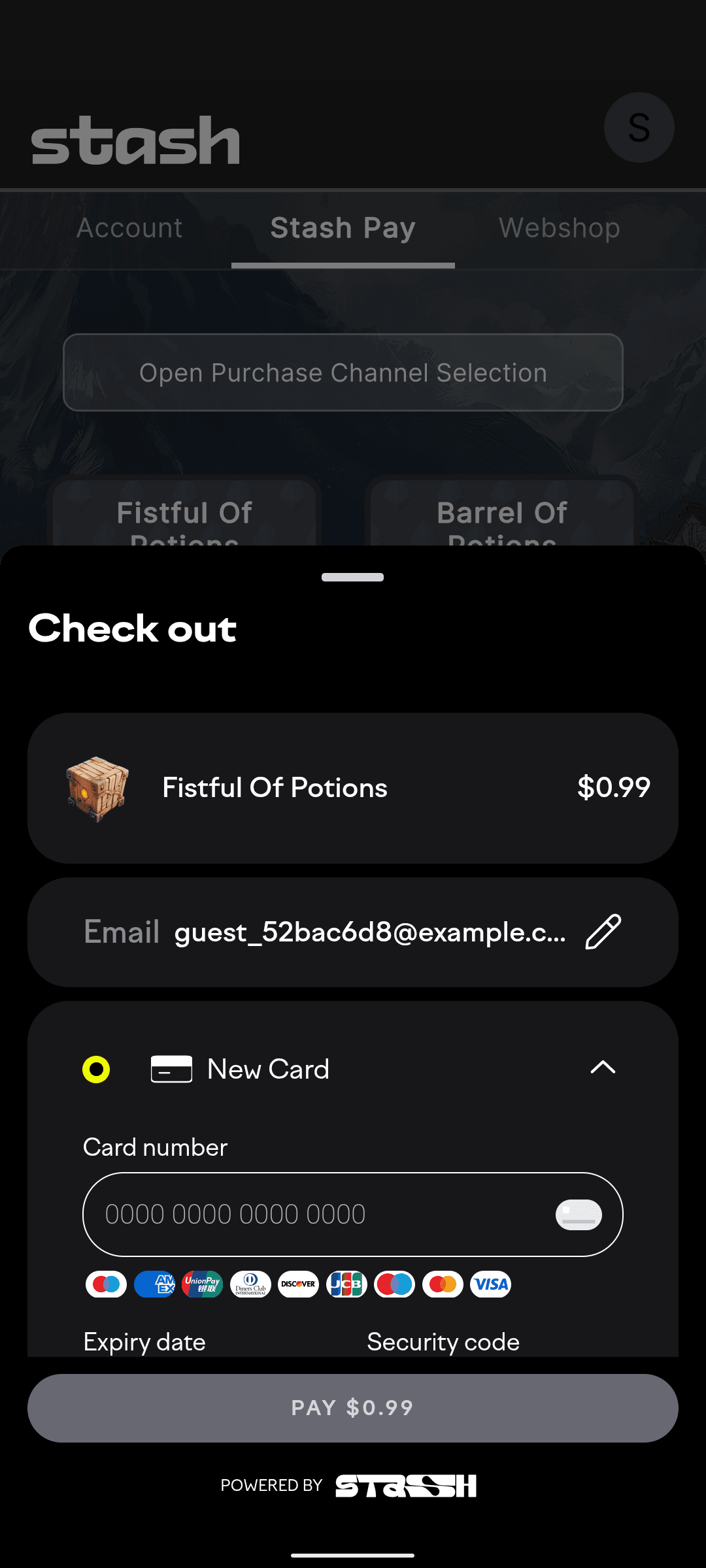
Pixel 6
Android 12.0
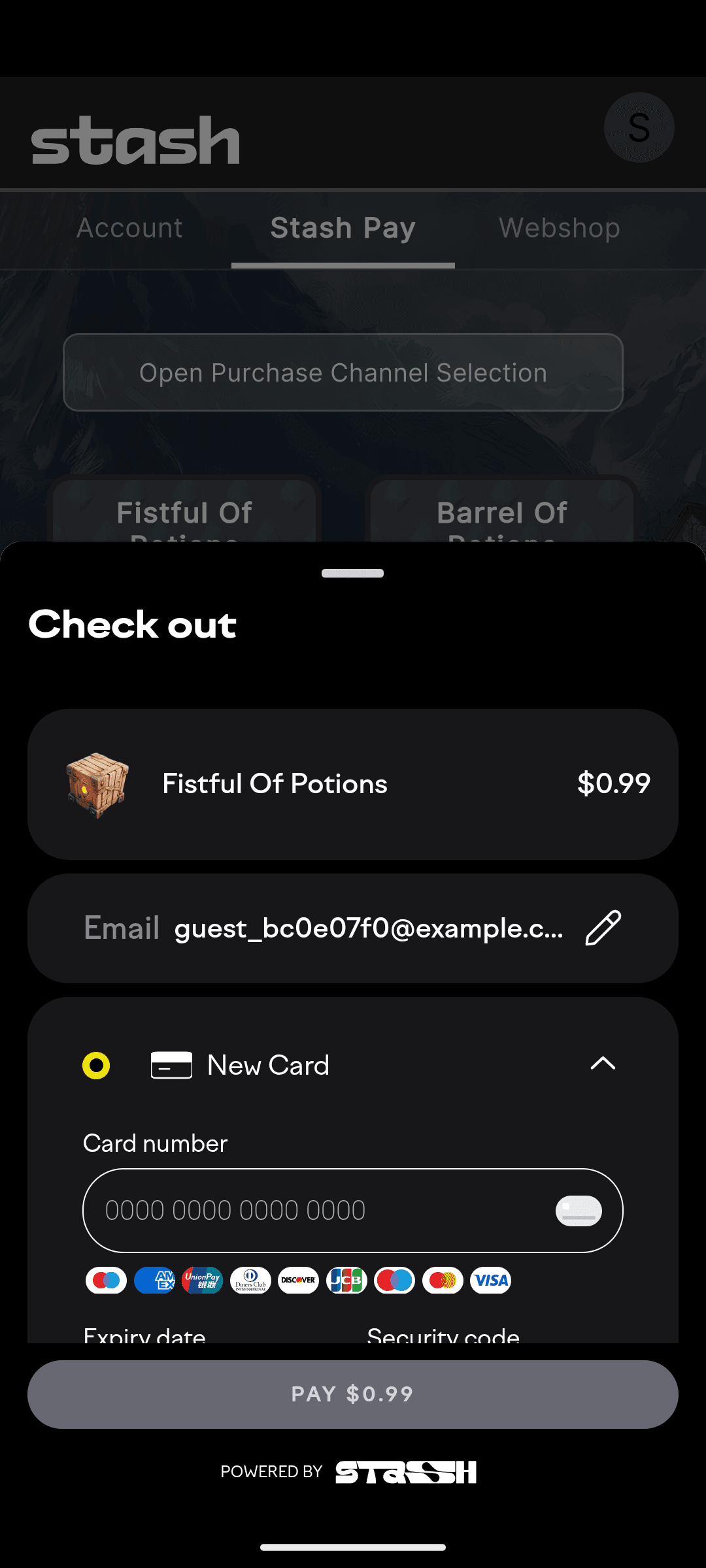
Pixel 7
Android 13.0
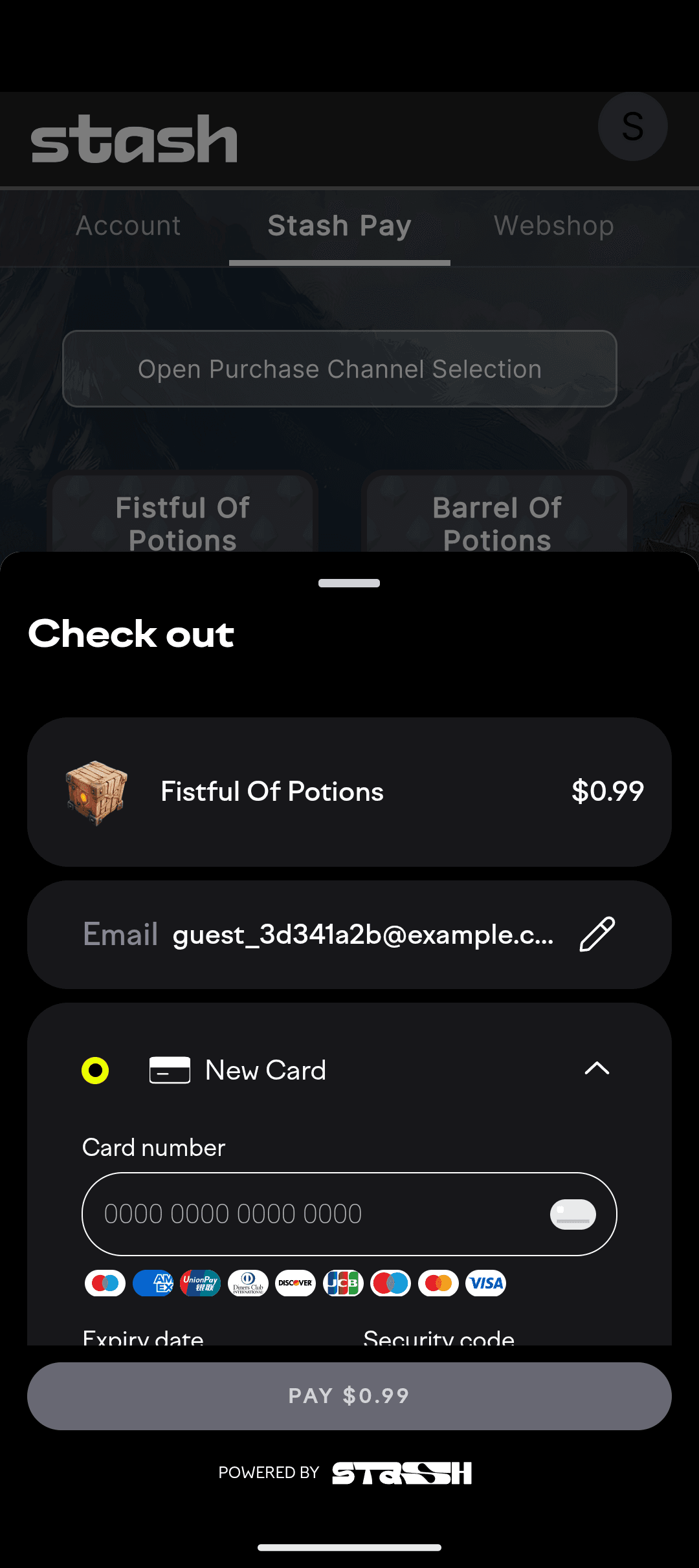
Pixel 9
Android 15.0
Motorola
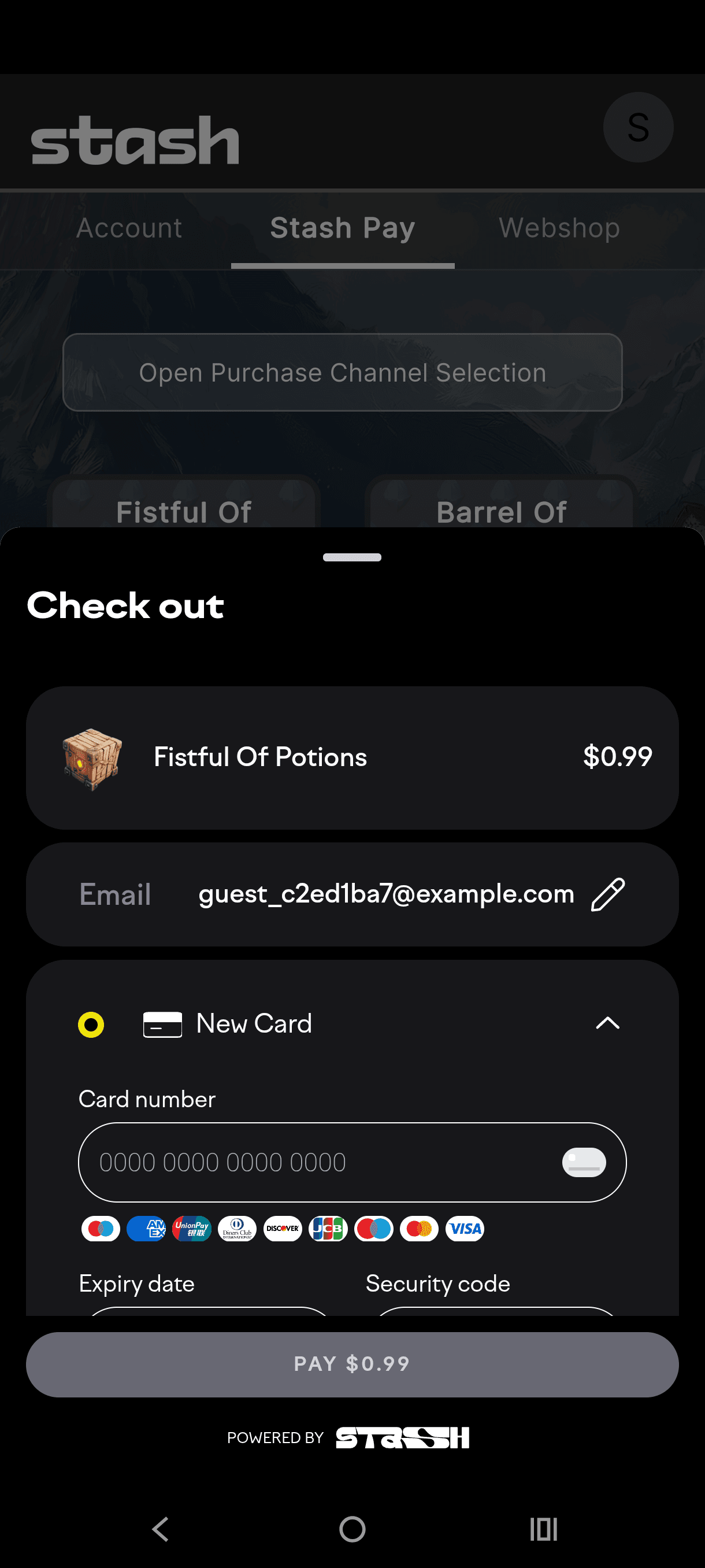
Edge 60 Fusion
Android 15.0
OnePlus
.png&w=3840&q=75)
12R
Android 14.0
Oppo
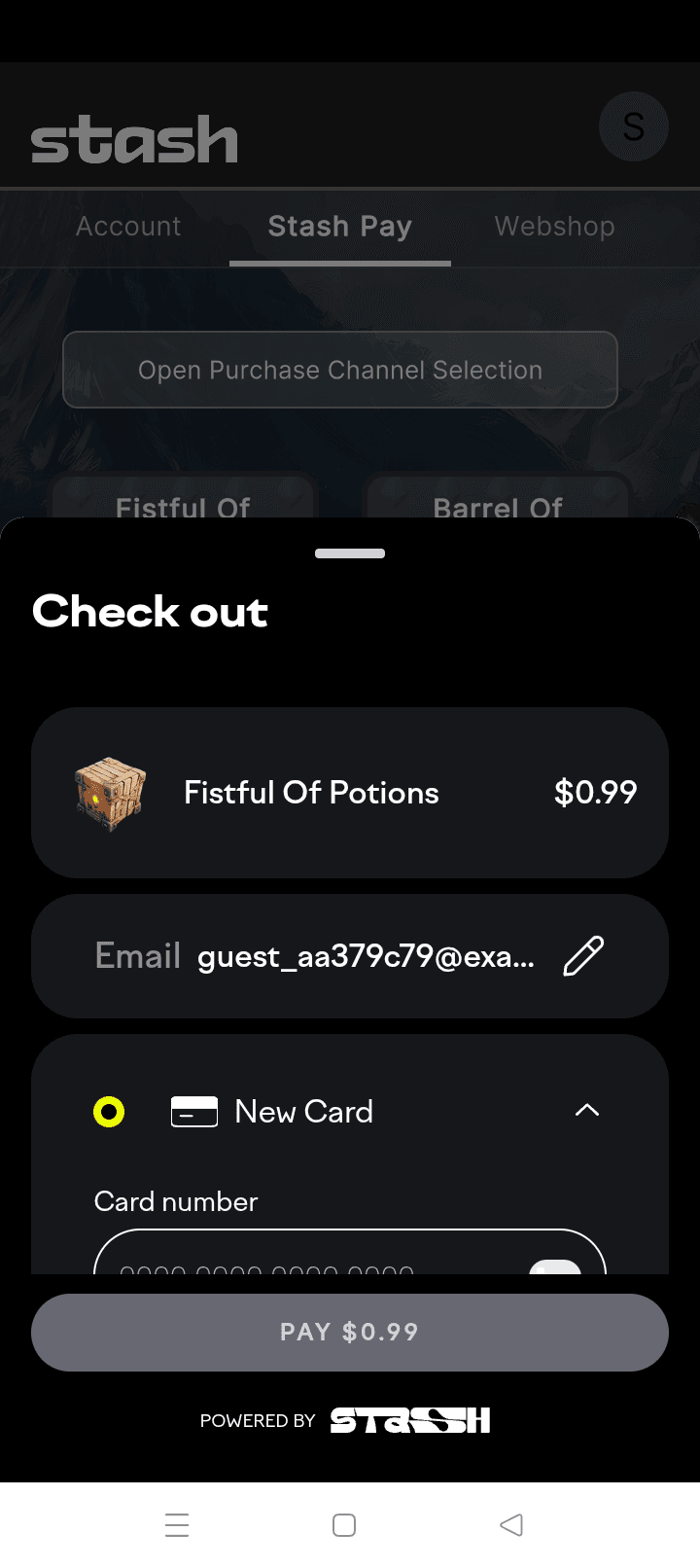
A78
Android 13.0
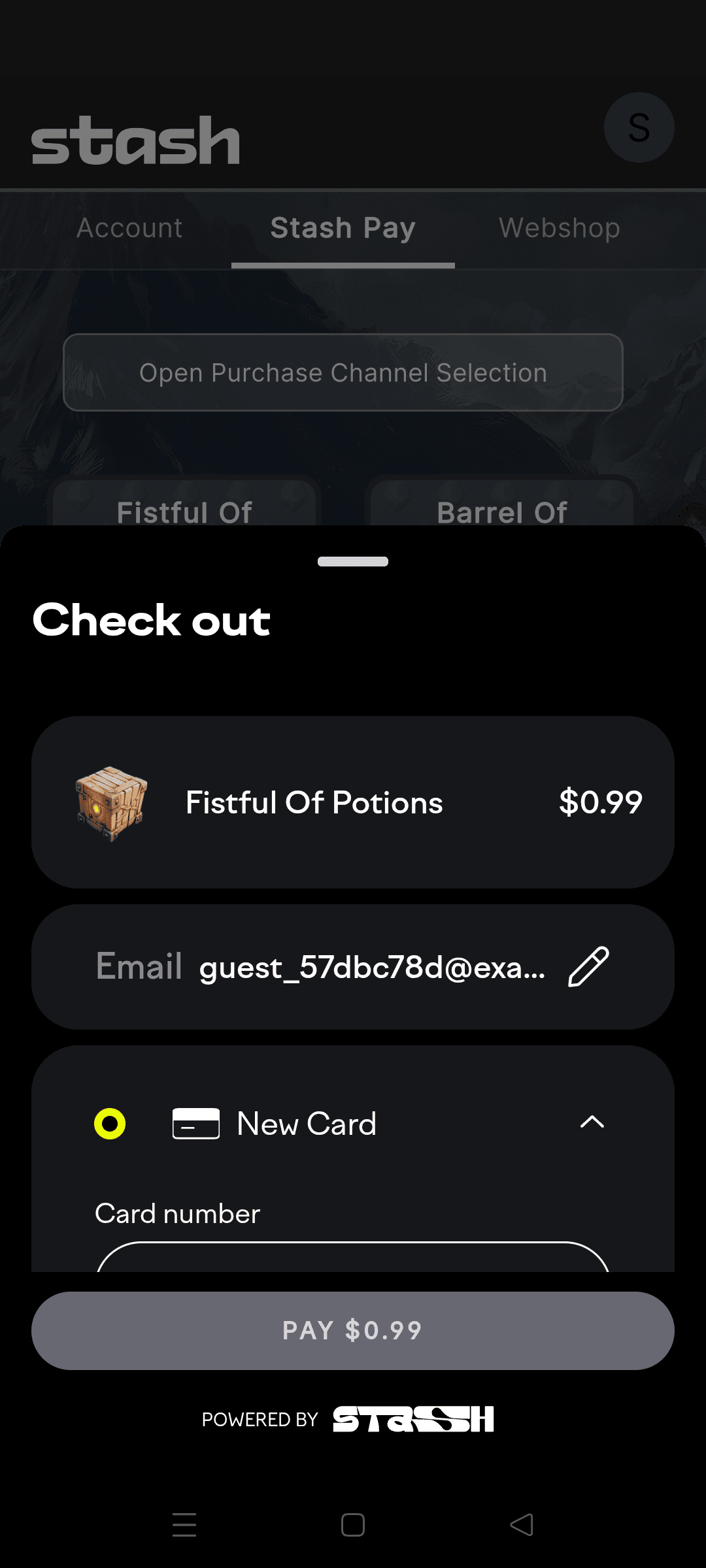
Reno 6
Android 11.0
Realme
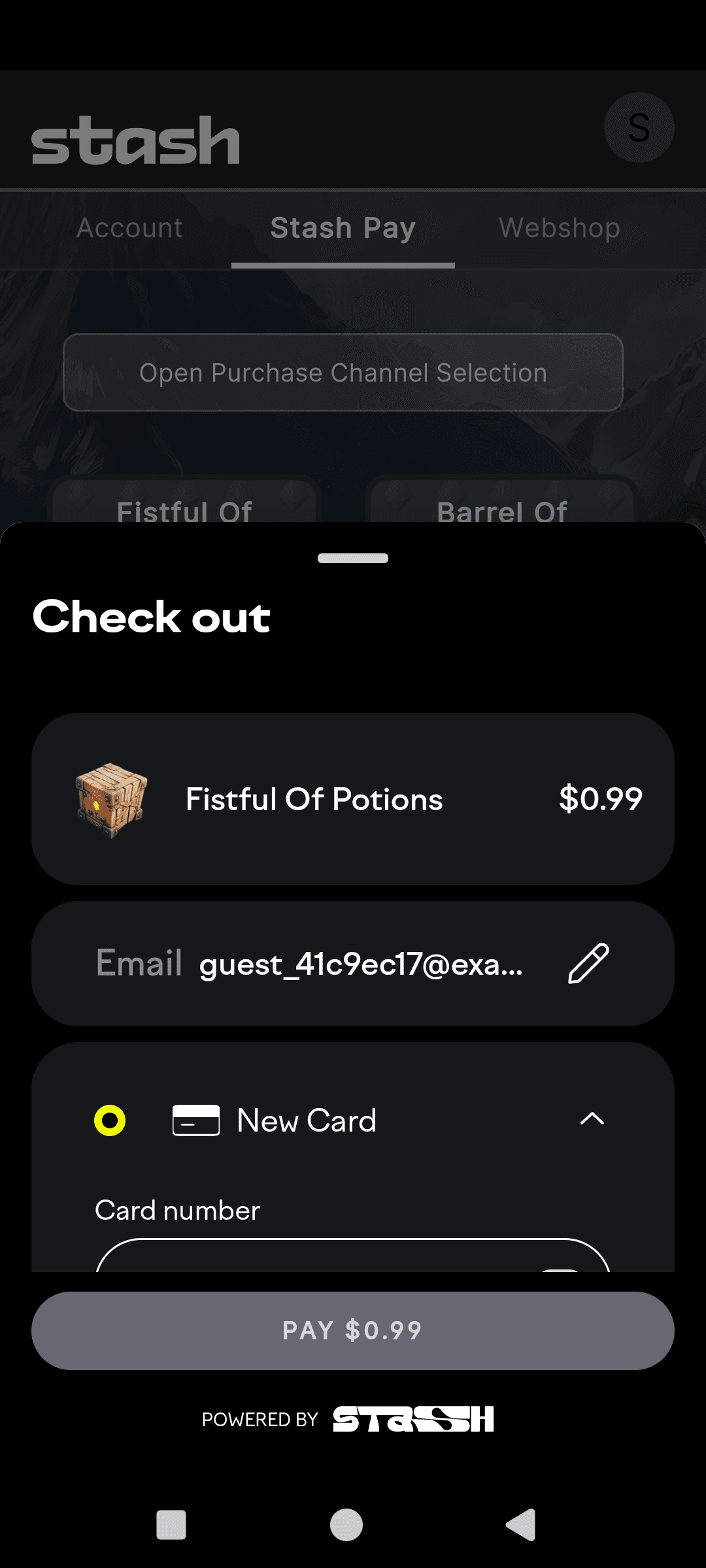
P3
Android 15.0
Samsung

Galaxy Note 20
Android 10.0
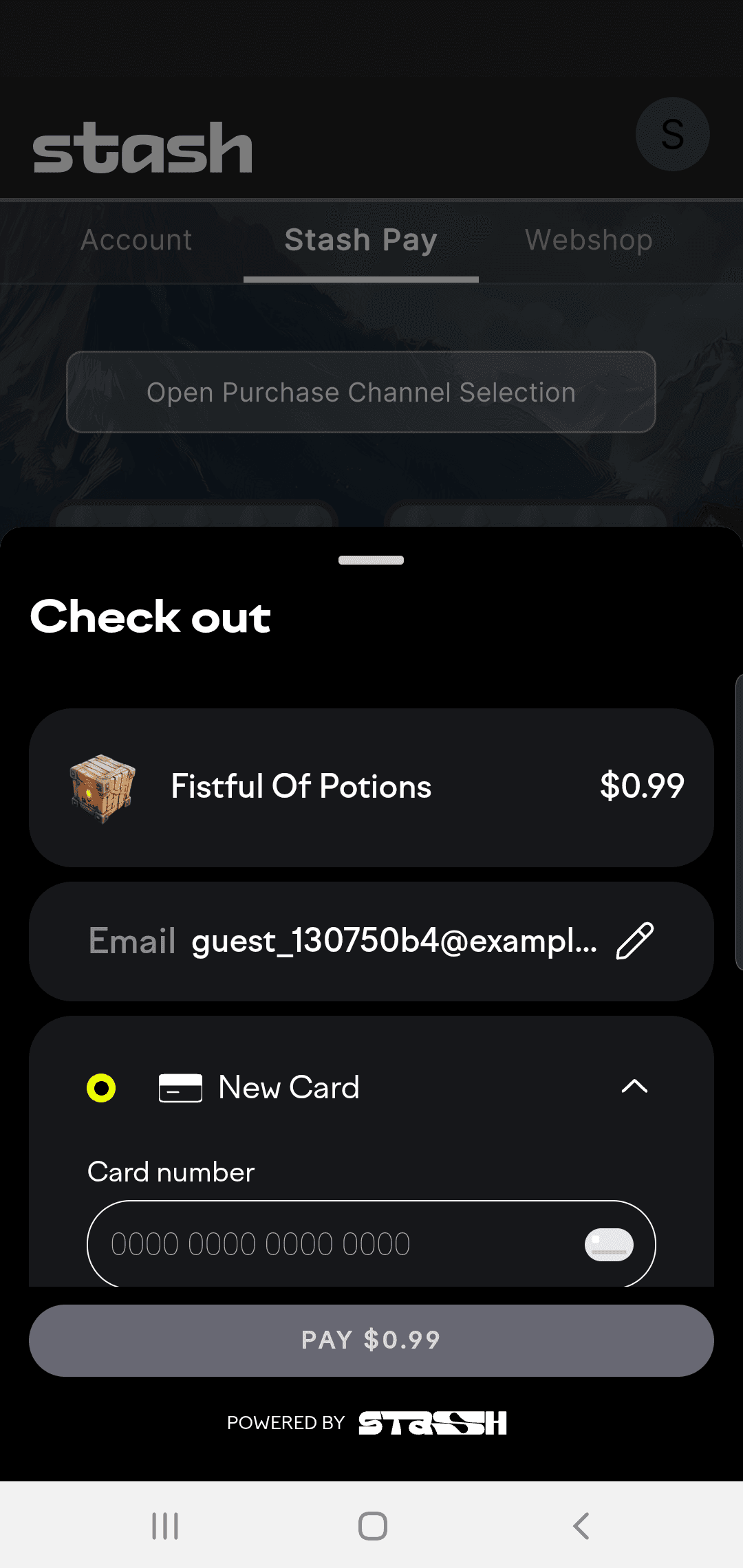
Galaxy S10
Android 9.0
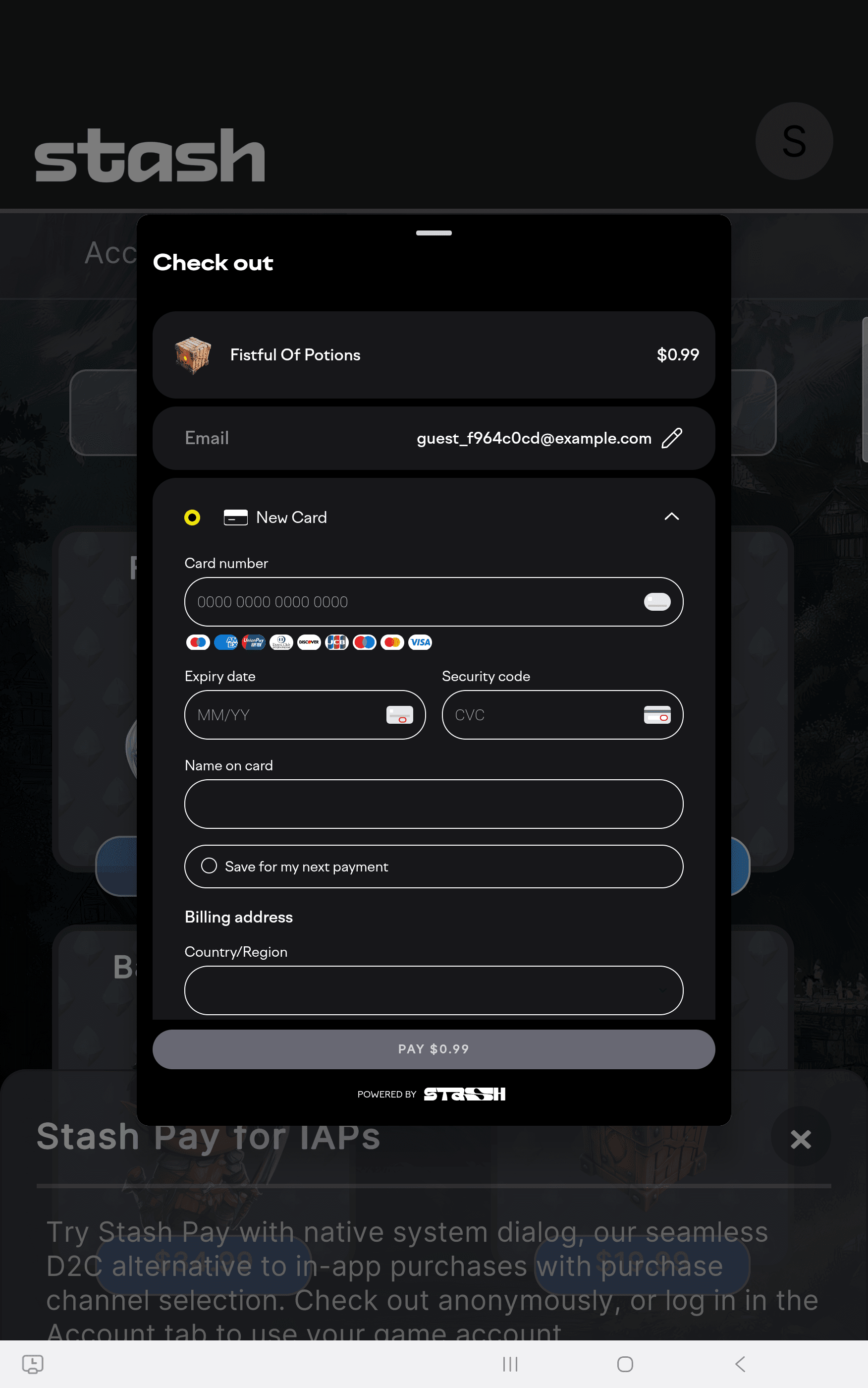
Galaxy Tab S10 Plus
Android 15.0
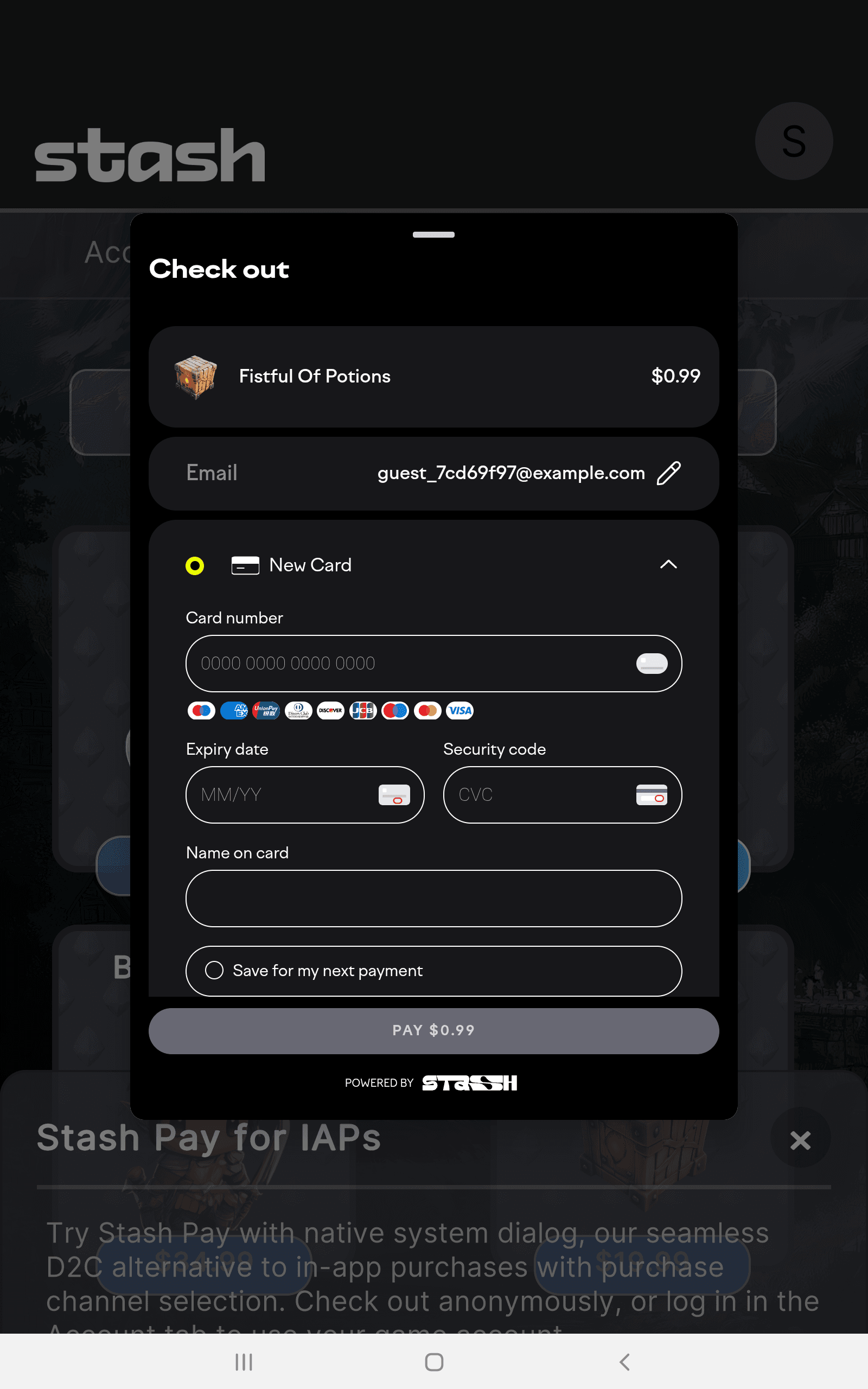
Galaxy Tab S7
Android 11.0
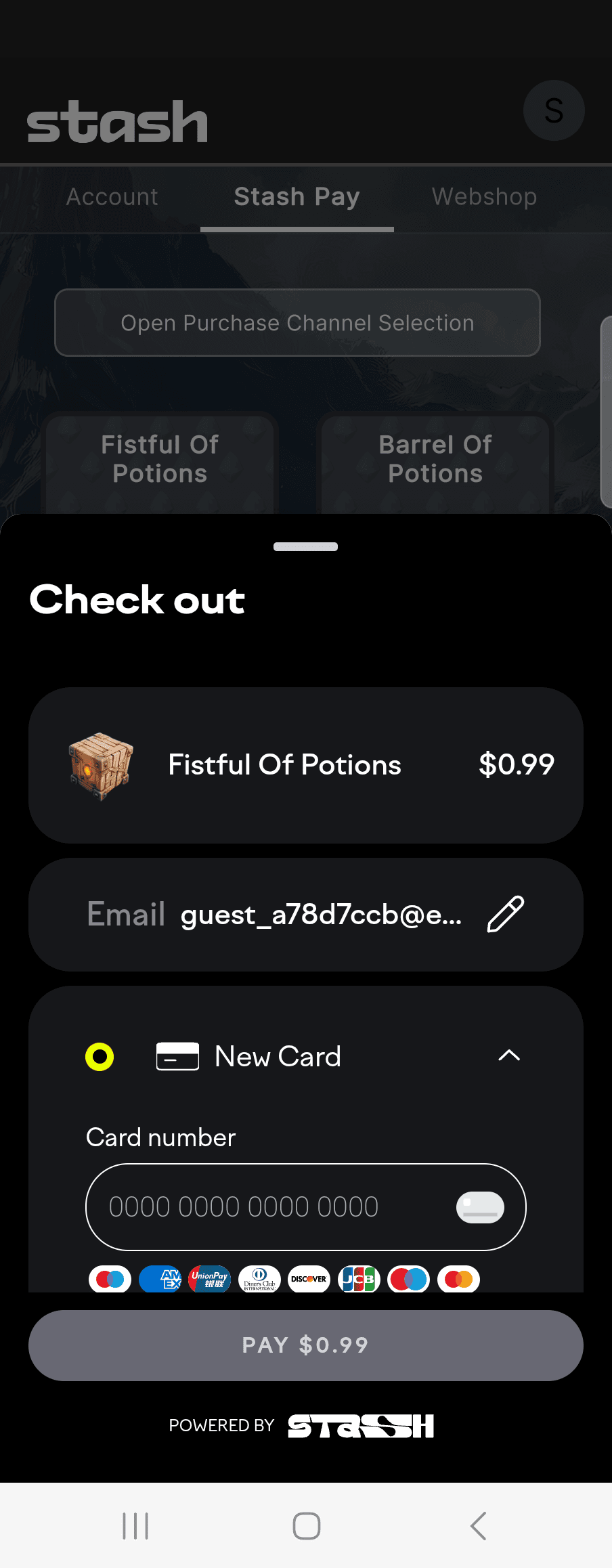
Galaxy Z Fold 5
Android 13.0
.png&w=3840&q=75)
Galaxy Z Fold 5
Android 13.0
.png&w=3840&q=75)
Galaxy Z Fold 5
Android 13.0
Xiaomi
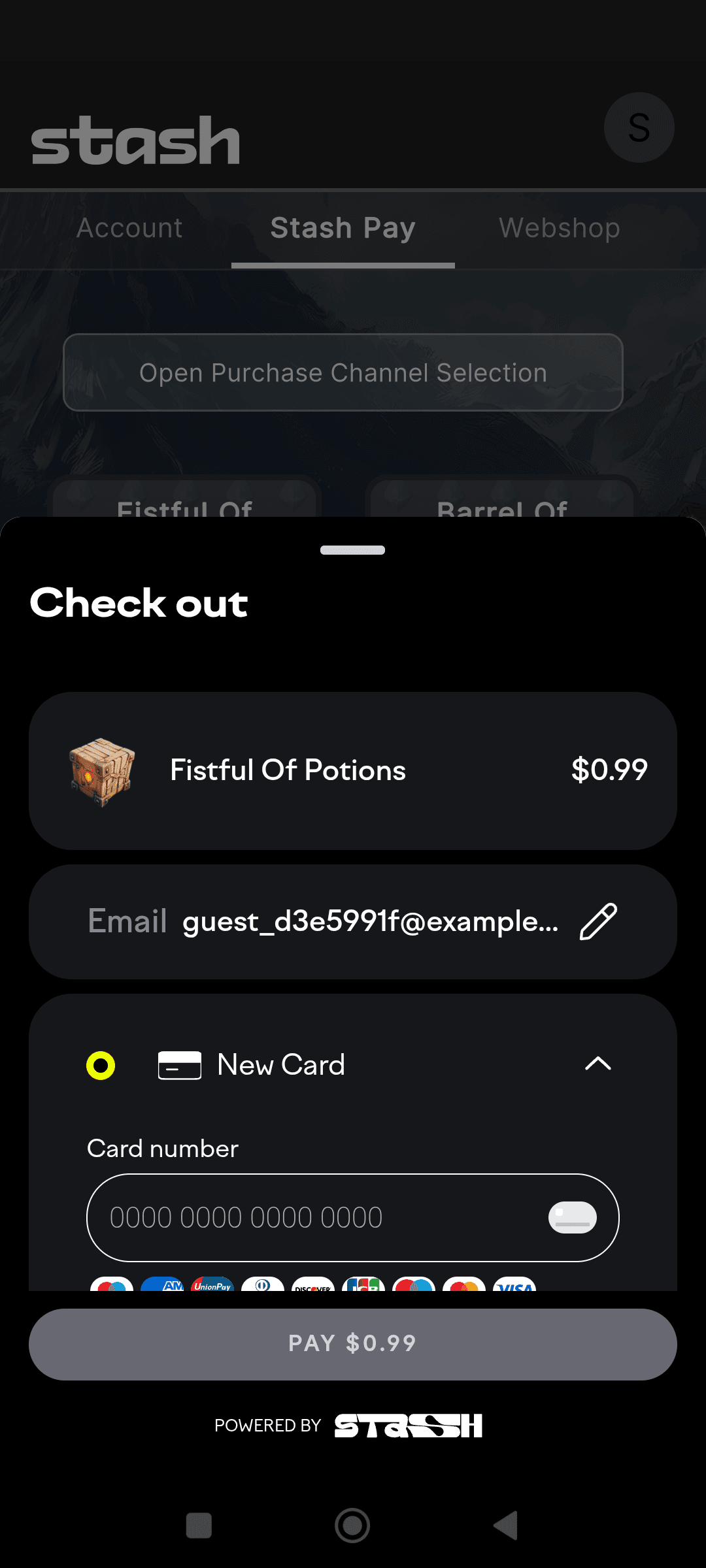
Redmi Note 12 4G
Android 13.0
How is this guide?